Smart Home Control Panel Design: Choosing the Right Touch Display
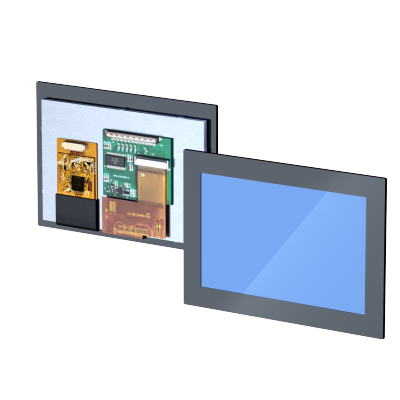
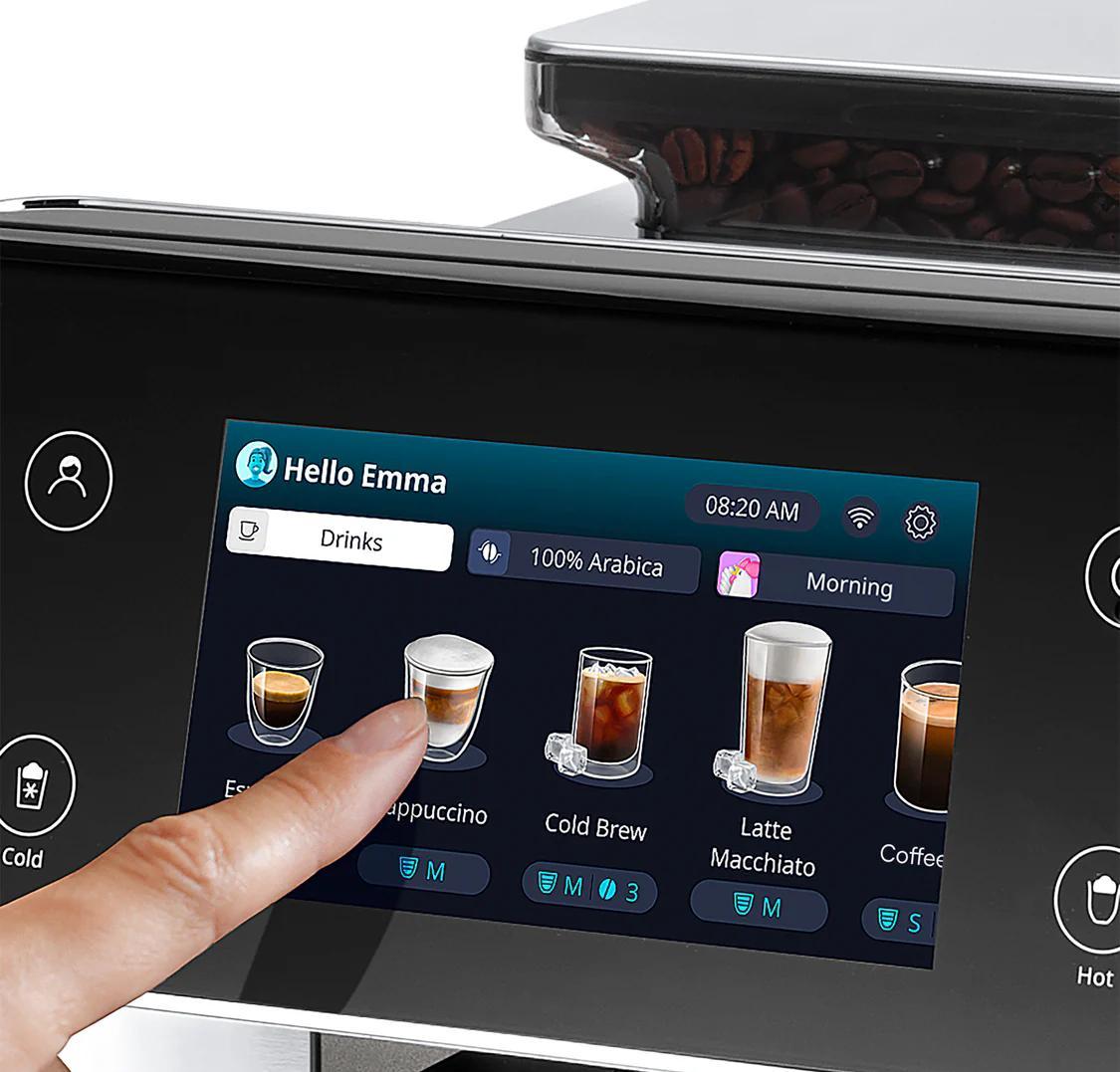
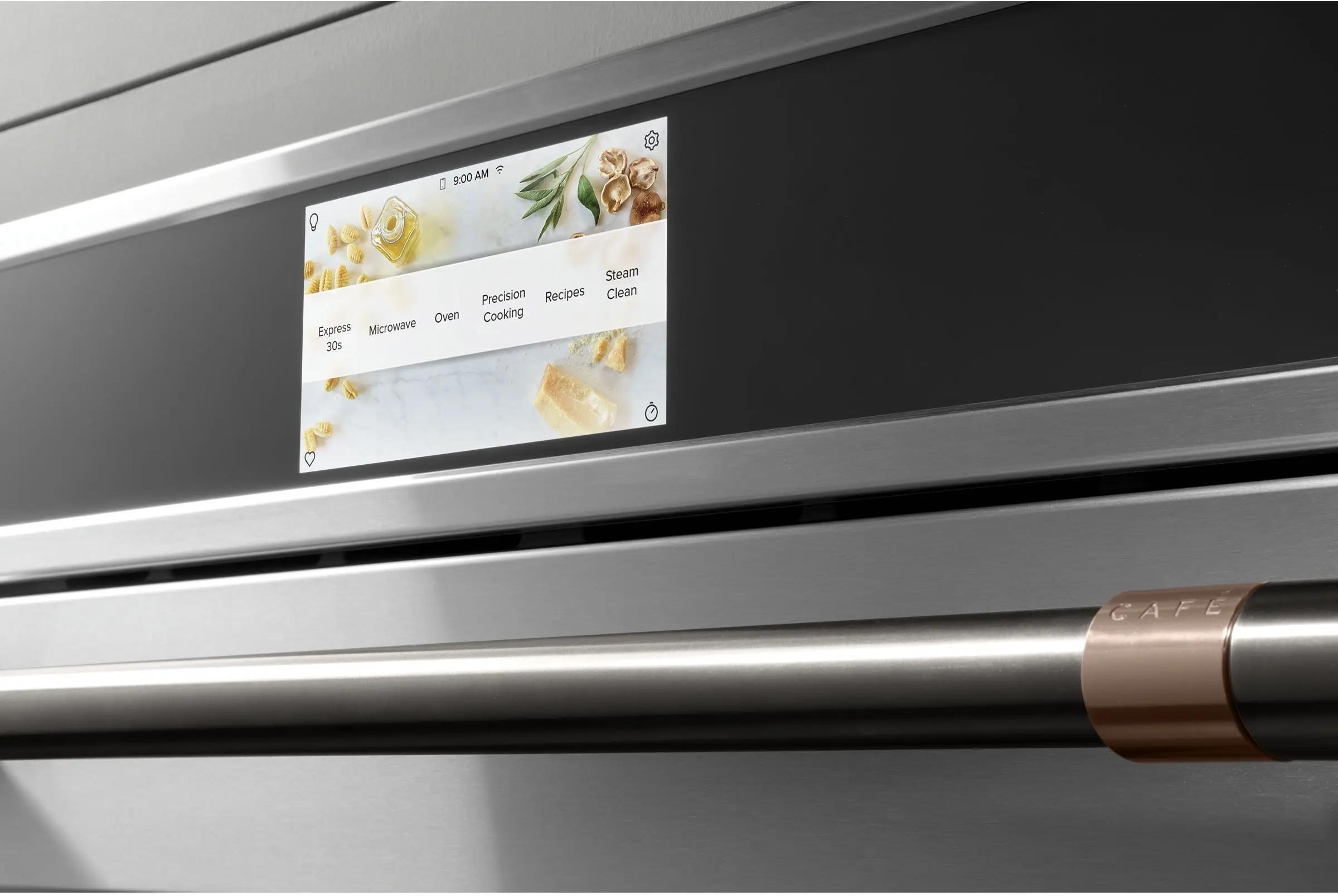
As smart homes become more connected, the central control panel is evolving into an important interface for managing everyday home functions. From lighting and climate control to security systems, curtains and connected appliances, a smart home control panel brings multiple functions together in one convenient interface. For manufacturers developing smart home control systems, the touch display is more than a visual component. It directly affects user interaction, product appearance, installation flexibility and overall product performance. So what should manufacturers consider when selecting a touch display for a smart home control panel? Let's explore the key design considerations. A smart home control panel serves as the communication point between users and connected home systems. Unlike traditional switches, a touch-enabled control panel can provide a flexible graphical interface that allows users to manage multiple functions through a single screen. A well-designed touch interface makes these functions easier to access and helps create a more consistent user experience. For smart home manufacturers, choosing an appropriate display and touch solution is therefore an important part of product development. Match screen dimensions and information density to the installation location and the number of functions shown at once. Evaluate controller, sensor structure and cover glass thickness together, not the sensor alone. Glass thickness, surface treatment and bonding affect both appearance and perceived clarity. Dimensions, mounting structure, cable routing and enclosure space define how well a module fits. Judged at complete product level: temperature range, aging performance, protection and supply continuity. The display size should match the intended functions, installation location and overall product design. Compact wall-mounted panels may prioritize space efficiency and a clean appearance, while larger central control terminals may require more screen space to display multiple functions simultaneously. The goal is not simply to choose the largest display, but to find the right balance between usability, product dimensions and manufacturing requirements. Projected capacitive (PCAP) touch technology is a common choice for modern smart home control panels. It supports intuitive touch interaction and can provide multi-touch functionality, depending on the controller and system configuration. However, touch performance depends on more than the touch sensor itself. Important factors include: For applications with special requirements, such as operation through thicker cover glass or in environments where moisture may be present, the touch solution should be evaluated and validated as part of the complete product design. The front glass is an important design element in wall-mounted smart home panels. It influences both product appearance and touch interaction. Depending on the design, manufacturers may consider different cover glass thicknesses, surface treatments, edge shapes and printing options. Optical bonding is another important consideration. By filling the air gap between the display and cover glass with an optical bonding material, this process can help reduce internal reflections and improve perceived display clarity. The actual performance improvement depends on the display structure, bonding material and manufacturing process. For premium smart home control panels, optical bonding can be worth evaluating during the early design stage. Smart home control panels are commonly installed on walls, embedded into furniture or integrated into customized home automation terminals. This means mechanical integration should be considered from the beginning of product development. Early coordination between the display supplier and the product design team can help reduce integration difficulties and unnecessary redesign. A customized touch display solution may provide greater flexibility when standard modules do not match the mechanical or aesthetic requirements of the final product. Smart home control panels are designed for everyday operation. Although these devices are typically used indoors, they still need to operate consistently under different household conditions. Confirm the expected ambient range and how display and touch behavior changes across it. Check display brightness and touch consistency through long-term use, not only at first power-on. Validate interfaces, connectors and assembly tolerances against the final enclosure design. Review dust and moisture requirements together with component quality and supply continuity. Reliability should be evaluated at the complete product level rather than based on a single display specification. A well-matched display module, touch solution and mechanical structure can help support more consistent product performance. During product development, manufacturers may encounter several challenges when integrating touch displays. Wall-mounted products often have strict dimensional requirements, and standard modules may not fit the available enclosure space. Approach: consider customized module dimensions, flexible connector positions and mechanical requirements at the initial design stage. Reflections between the display and cover glass affect clarity, especially near windows or under strong indoor lighting. Approach: evaluate optical bonding, cover glass treatments and brightness for the actual installation environment. A touch solution that performs well in the lab may behave differently once integrated into the final enclosure. Approach: test the complete touch structure, including cover glass, sensor, controller and host electronics. Control panels are designed to complement modern interiors, so display, glass, bezel and housing must work together. Approach: coordinate display specifications and industrial design requirements early in development. Every smart home product has different design priorities. A compact room thermostat, a wall-mounted central control panel and a premium home automation terminal may all require different display sizes, touch structures and mechanical configurations. Standard modules can be suitable for many projects. However, customized solutions may offer additional flexibility when specific application requirements cannot be met by standard products. Working with an experienced touch display supplier during the design stage can help manufacturers evaluate these factors and identify a suitable solution for their products. At JuTouch, we provide touch display solutions for customers developing intelligent devices and interactive control systems. We understand that different applications require different combinations of display performance, touch functionality and mechanical design. Solutions tailored to different dimensions, structures and application requirements. Touch solutions designed around the intended interaction method and product configuration. Bonding solutions to support improved optical integration where required. Technical communication to help customers evaluate display options and integration requirements. Support for different development projects, from customized components to application-specific display solutions. Whether you are developing a new smart home control panel or upgrading an existing product, JuTouch can work with your team to explore a suitable touch display configuration. A smart home control panel is more than a screen mounted on a wall. It is an important part of the overall user experience and the connection between people and their connected living environment. Selecting the right touch display involves balancing display performance, touch interaction, optical design, mechanical integration and long-term reliability. For manufacturers, involving the display supplier early in product development can help address potential integration challenges and create a better foundation for the final product. Developing a smart home control panel? Contact JuTouch to discuss your display dimensions, touch requirements, cover glass design and integration needs. Our team is ready to explore flexible touch display solutions for your next smart home project.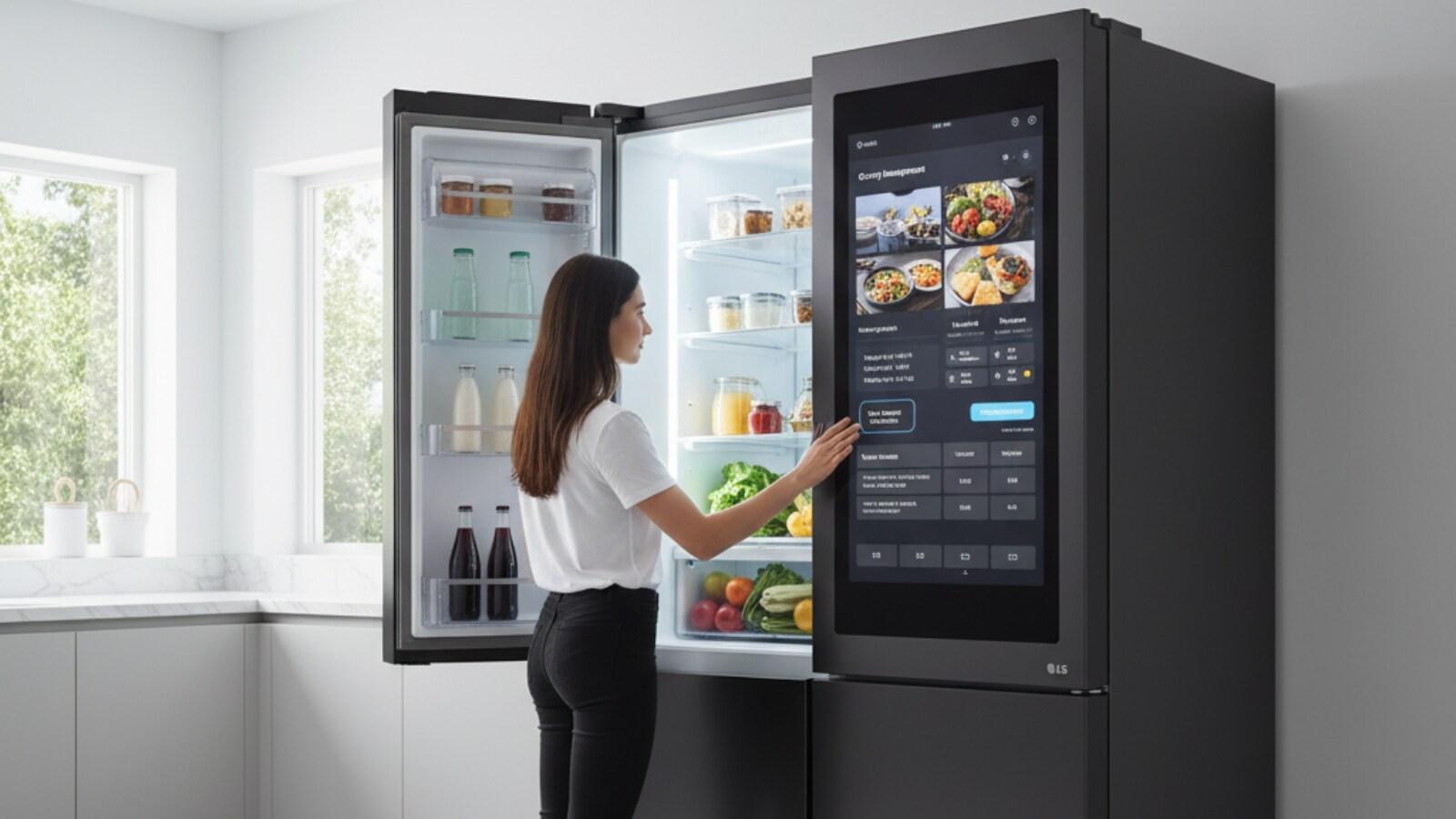
1. Why Touch Displays Matter in Smart Home Control Panels
Common applications on a control panel
2. Five Key Considerations When Selecting a Touch Display
Display size and resolution
Touch technology and performance
Cover glass and optical bonding
Mechanical integration
Reliability and long-term operation
2.1 Display Size and Resolution
Where to look when evaluating display options
2.2 Touch Technology and Interaction Performance
2.3 Cover Glass and Optical Bonding
Potential benefits of optical bonding
2.4 Mechanical Integration and Installation
Key mechanical design factors
2.5 Reliability and Long-Term Operation
Operating temperature
Performance over time
Electrical and mechanical fit
Protection and supply
3. Common Design Challenges in Smart Home Control Panel Development
Limited installation space
Reflections affecting readability
Inconsistent touch interaction
Appearance versus functionality
4. Why Customized Touch Display Solutions Matter
What customization can cover
5. How JuTouch Supports Smart Home Control Panel Projects
Customized touch displays
Touch technology integration
Optical bonding
Engineering support
Flexible OEM & ODM cooperation
6. Final Thoughts